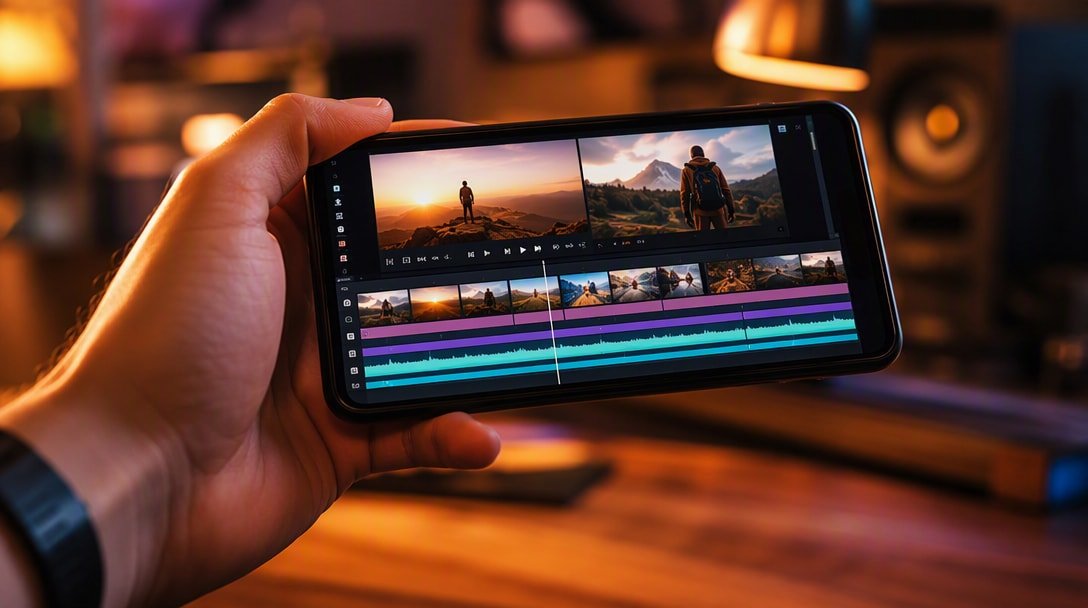
If you’ve watched more than a few TikToks, Reels, or Shorts, there’s a good chance CapCut was involved in making them. ByteDance’s free video editor has become the default choice for mobile content creators, with over 1 billion downloads and a 4.3-star rating from 13.1 million reviews, and it held the #1 spot among free video players and editors on the Play Store. In this review, we look at what CapCut actually offers, where it struggles, and whether it’s still worth installing in 2026 given the growing field of mobile video editors.
Table of Contents
CapCut Review: At a Glance
| Detail | Information |
|---|---|
| Developer | Bytedance Pte. Ltd. |
| Category | Video Players & Editors |
| Rating | 4.3 / 5 (13.1M+ reviews) |
| Downloads | 1,000,000,000+ |
| Price | Free (in-app purchases for Pro features) |
| Content Rating | Rated for 12+ |
| Platform | Android, iOS, desktop (CapCut Pad) |
| Latest Update | October 8, 2026 |
What Is CapCut?
CapCut is an all-in-one mobile video editor built by ByteDance, the company behind TikTok, and it shows — its tools are clearly designed around making short-form social content look polished fast. It combines a timeline-based editor with a large library of trending effects, filters, fonts, and AI-assisted tools, aimed at letting beginners produce a decent edit in minutes while still giving more advanced users manual controls like keyframing and chroma key.
Key Features
1. Core Editing Tools
Trim, split, and merge clips, adjust speed from 0.1x to 100x with speed curves, apply zoom animations, freeze frames on key moments, and use a library of transition effects between clips — the fundamentals are all here and easy to reach.
2. Advanced Editing
Keyframe animation works across virtually every setting, an optical flow feature enables smooth slow-motion, chroma key removes specific background colors, and a multi-track timeline lets you layer and arrange clips with more precision than most free mobile editors allow.
3. AI-Assisted Tools
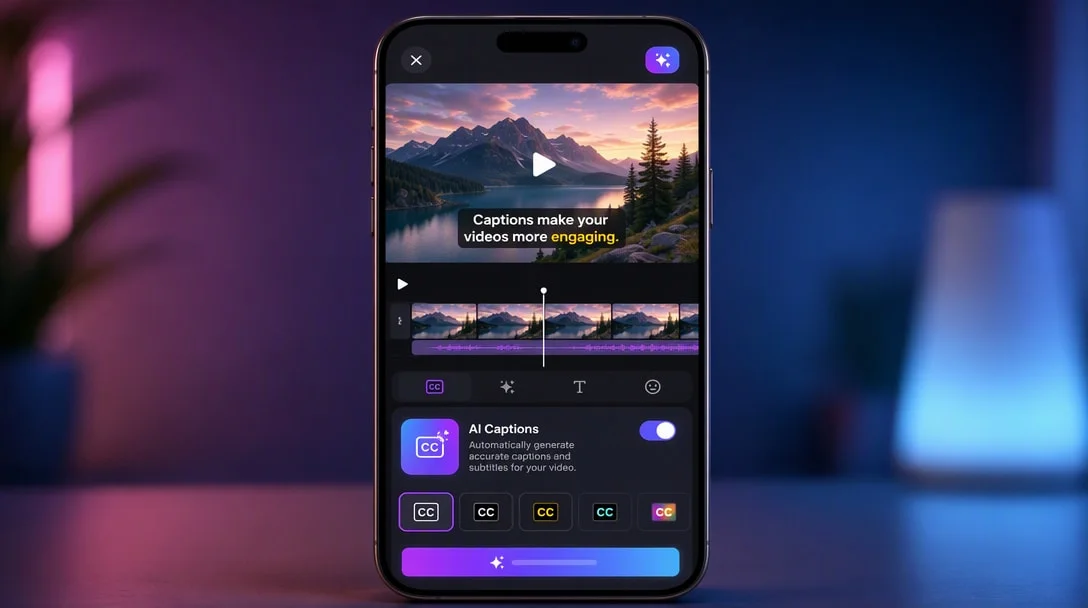
Auto captions generate subtitles via speech recognition, text-to-speech converts written text into narration across multiple languages and voices, and automatic background removal cuts out the need for a green screen. A newer “AI video magic” tool can turn text and photos into video content directly.
4. Text, Stickers, and Effects
Text templates and importable local fonts make on-screen text easy to style, while filters and effects (Glitch, Blur, 3D, and more) are refreshed weekly to track current trends — useful if you’re editing specifically for TikTok or Reels-style content.
5. Music, Export, and Sharing
CapCut includes access to millions of music clips and sound effects, plus the ability to extract audio from existing videos. Exports support up to 4K at 60fps with smart HDR, and formatting is adjustable for direct sharing to TikTok, YouTube, Instagram, WhatsApp, and Facebook.
Performance and Known Issues
CapCut’s core editing tools are genuinely strong, but real user feedback points to consistent pain points worth knowing about before you start a big project:
- Missing PC-parity features: some basic capabilities available on CapCut’s desktop version, like independently transforming an asset’s X/Y axis, aren’t available on mobile.
- Performance on longer timelines: the app can slow down noticeably once a project has a lot of clips stacked on the timeline.
- Crash reports: some users report specific effects (like certain filters) triggering freezes or crashes.
- Bugs in specific tools: overlay, audio, text, and transform tools have each been flagged by users as occasionally buggy.
Monetization: How CapCut Makes Money
CapCut is free to download with a Pro subscription unlocking additional premium effects, templates, and features. This is also the review’s biggest sticking point in user feedback: multiple reviewers report ads appearing at nearly every step — after setup, when tapping features, and critically, when trying to export a finished video. One widely-upvoted review (53,000+ helpful votes) specifically describes ads blocking the export process itself, which is a materially different experience than typical pre-roll or banner ad placement.
Separately, a large number of individual tools and assets are gated behind “Pro” labels, which some users — particularly students and younger creators on a budget — find limits how much of the app is genuinely usable for free, even though the base editor itself costs nothing.
Data Safety
Per CapCut’s Play Store data safety disclosure, the app reports no data shared with third parties, but does collect several data types including location and personal info. Data is encrypted in transit, and users can request deletion. As with any app built by a large platform company, it’s worth reviewing the in-app privacy settings if you’re a frequent user.
What Users Are Saying
At 4.3 stars from 13.1 million reviews, sentiment is generally positive, and CapCut clearly has a loyal base of creators who describe it as their primary or only video editor. The recurring criticisms are consistent across reviews: aggressive ad placement (especially around exporting), a growing share of features locked behind Pro, and stability issues on longer or more complex projects. None of these have stopped it from being the most-used free mobile video editor, but they’re realistic expectations rather than rare complaints.
Pros and Cons
Pros
- Deep feature set for a free app: keyframing, chroma key, multi-track timeline, optical flow slow-motion
- Strong AI tools: auto captions, text-to-speech, background removal
- Trending effects and filters updated weekly
- Exports up to 4K 60fps with direct sharing to major social platforms
- Low learning curve for beginners, with room to grow into advanced tools
- No data shared with third parties per the developer’s disclosure
Cons
- Ad placement is aggressive, including reported ads that interrupt exporting
- Growing number of features and assets locked behind a Pro subscription
- Performance can degrade on longer, more complex timelines
- Some tools (overlay, audio, transform) have reported bugs
- Missing a few basic features present on the desktop version
Who Should Use CapCut?
CapCut remains one of the strongest free options for anyone editing short-form content for TikTok, Reels, or YouTube Shorts, especially if you want AI-assisted tools like auto captions and background removal without paying for them separately. It’s a weaker fit for editors working on longer, more complex projects who need rock-solid stability, or for anyone who finds frequent ad interruptions genuinely disruptive to their workflow — in which case a paid alternative might be less frustrating overall.
Frequently Asked Questions
Is CapCut free to use? Yes, the core app is free with optional in-app purchases for Pro features, templates, and effects. It also displays ads.
Does CapCut have a watermark? Free exports from CapCut are not watermarked, unlike some competing free editors.
What resolution can CapCut export in? Up to 4K at 60fps with smart HDR support, depending on your device’s capabilities.
Does CapCut work offline? Basic editing works without an internet connection, though some AI features, effects, and the music library may require connectivity.
Is CapCut good for beginners? Yes, its interface is designed to be approachable for first-time editors, with templates and auto-generated captions that reduce the learning curve.
Does CapCut share my data with third parties? Per its Play Store disclosure, CapCut reports no data shared with third parties, though it does collect several categories of user data including location.
Final Verdict
CapCut earns its position as the default mobile video editor for a reason: the feature set is genuinely deep for a free app, the AI tools save real time, and exports look sharp enough for professional-feeling social content. The tradeoff is a monetization model that a lot of users find intrusive, particularly ads that can interrupt the export step itself, plus a steadily growing list of Pro-gated features. If you’re editing short-form social videos and can tolerate the ads, it’s still an easy recommendation. If ad interruptions during export are a dealbreaker for your workflow, it’s worth testing alternatives like InShot or VivaCut before committing — see our direct InShot vs. CapCut comparison for the full breakdown.
Sources and last updated: store figures (rating, review count, downloads, age label) were read from the Google Play listing on October 13, 2026, as viewed outside the US. Star ratings and age labels differ by country; CapCut is labeled 12+. Feature details (speed 0.1x to 100x, 4K 60fps export, keyframes, chroma key) come from the listing’s own description. The “#1 free video players and editors” ranking was the position when we checked and changes often. Last updated October 13, 2026.