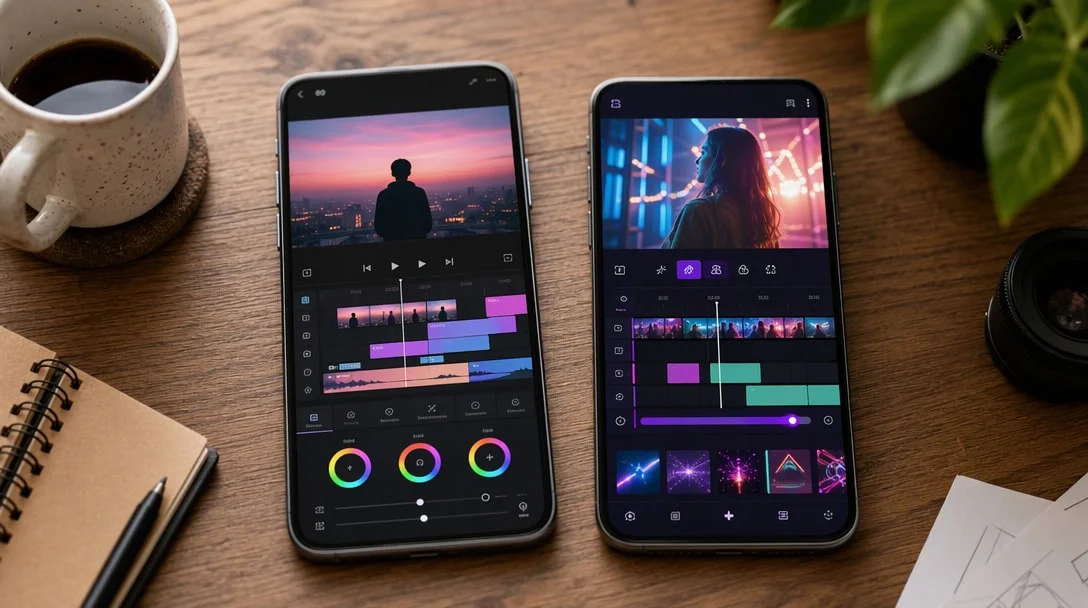
Looking for the best video editing apps for your phone? Mobile editing apps have gotten good enough to replace desktop software for a lot of creators, but the right pick depends on whether you care more about video, photos, or both. We’ve done full reviews of the two biggest names below; here’s how they compare alongside other notable options worth knowing about.
What Makes an App One of the Best Video Editing Apps in 2026?
Before ranking anything, it’s worth being clear about the bar: an app earns a spot on this list only if it’s genuinely free to use (not a trial disguised as free), doesn’t watermark exports, has an active update history, and holds a Play Store rating of 4.2 stars or higher from a substantial review base. All four picks here meet that bar, which is part of why apps with smaller download counts or inconsistent updates didn’t make the cut even if they offer similar features on paper.
Understanding Monetization Differences
One of the clearest differences between these best video editing apps is how they actually make money, which matters more than feature lists once you’re using an app daily:
- InShot: ads plus an optional subscription, with most features unlockable temporarily via a short ad watch instead of paying.
- CapCut: ads plus a Pro subscription, with a growing number of features permanently gated behind Pro rather than ad-unlockable.
- VivaCut: ads plus in-app purchases for advanced pro-tier features and templates.
- Snapseed: genuinely nothing — no ads, no purchases, no subscription, funded entirely as a showcase product by Google.
If ad-fatigue or subscription pressure is your main concern, that ranking (Snapseed, then InShot, then VivaCut, then CapCut) roughly reflects how intrusive each app’s monetization feels in practice, based on user reviews across all four.
Export Quality Compared
Export quality is one area where these best video editing apps mostly converge rather than differ: InShot and CapCut both support up to 4K at 60fps, with CapCut adding smart HDR on supported devices. VivaCut’s export options are similarly capable, geared toward creators who want their layered edits to hold up at higher resolutions. Snapseed, as a photo editor, exports full-resolution images with RAW support intact, preserving detail that many lighter photo tools discard during editing. In practice, export quality is rarely the deciding factor between these apps — the feature set and monetization model matter far more for most everyday users.
A Realistic Workflow for Most Creators
For creators who don’t want to overthink app selection, a practical starting setup looks like this: install InShot or CapCut as your primary video editor (pick based on whether you prioritize lighter ads or trend-focused effects), keep Snapseed installed for any photo touch-ups or thumbnail work, and only add VivaCut once you find yourself hitting the limits of layering or keyframe control in your primary editor. This combination covers the vast majority of mobile content creation needs without requiring a paid subscription to any of them.
Best Video Editing Apps: Quick Comparison
| App | Best For | Rating | Downloads |
|---|---|---|---|
| InShot | Video + photo, lighter ads | 4.8 | 500M+ |
| CapCut | Trending video effects, AI generation | 4.3 | 1B+ |
| VivaCut | Pro-style multi-layer video editing | 4.3 | 100M+ |
| Snapseed | Completely free, ad-free photo editing | 4.5 | 100M+ |
1. InShot — Best All-Around (Video + Photo)
InShot combines a full video editor with a genuinely capable photo editor and collage maker, and at 4.8 stars from 24.6 million reviews, it’s the highest-rated option in this space. Its watch-to-unlock ad model is also reported as less intrusive than some competitors. Read our full InShot review for the details, including exactly how it compares to CapCut feature-by-feature.
2. CapCut — Best for Trending Social Video
CapCut is one of the most widely used free video editors for TikTok, Reels, and Shorts content, with weekly-updated trending effects and newer AI video-generation tools. Its trade-off is a monetization model some users find intrusive, including ads reported around the export step. See our full CapCut review for the complete picture.
3. VivaCut — Best for Pro-Style Video Editing
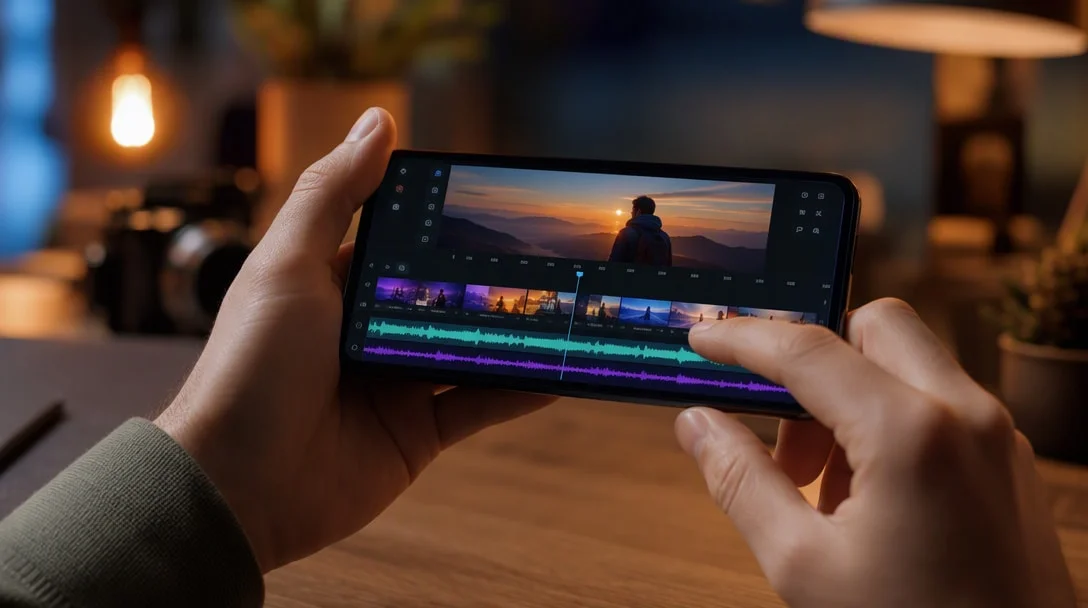
VivaCut (Google Play listing), developed by Ai Propulse2026, targets creators who want closer-to-professional control: a multi-layer timeline, chroma key/green screen support, keyframe animation applicable to masks and stickers, and music-marker tools that sync effects to a track’s rhythm. At 4.3 stars from 1.46 million reviews and 100 million+ downloads, it’s smaller than InShot or CapCut but carves out a niche for users who’ve outgrown simpler editors and want more layering control without jumping to a full desktop NLE.
4. Snapseed — Best Free Photo Editor (No Ads, No Subscription)
If you only need photo editing, Snapseed (Google Play listing) — developed by Google — stands apart from every other app on this list with a genuinely unusual pitch: no subscriptions, no purchases, no ads, and no watermarks, full stop. It packs 30+ professional-grade tools including RAW file support, smart one-tap masking, non-destructive editing, and realistic film simulation filters. At 4.5 stars from 1.85 million reviews and 100 million+ downloads, it’s the strongest pick here specifically for photo work, though it doesn’t touch video at all.
How to Choose Between Them
- Pick InShot if: you also edit photos regularly, want a less ad-heavy experience, or prefer paying with a short ad-watch rather than a subscription.
- Pick CapCut if: you specifically want to match current TikTok/Reels trending effects, or want to try AI text/photo-to-video generation.
- Pick VivaCut if: you want more advanced layering and keyframe control than InShot or CapCut typically offer.
- Pick Snapseed if: you only need photo editing and want a completely free, ad-free, professional-grade tool.
- Consider using more than one: since all four are free, many creators keep a video editor and Snapseed installed side by side rather than relying on just one app.
Frequently Asked Questions
Which app is better for beginners? Both are designed to be approachable, though InShot’s slightly steeper initial learning curve is offset by its broader toolset once you’re past the first few edits.
Do either of these apps watermark free exports? No, neither InShot nor CapCut watermarks free exports.
Can I edit photos in CapCut? CapCut is primarily video-focused with limited photo tools; InShot offers a fuller photo editing and collage-making toolset.
Is there a completely free video or photo editor with no ads at all? Yes — Snapseed is entirely free with no ads, purchases, or subscriptions, though it’s photo-only and doesn’t edit video.
Which of these apps is best for professional-style video work? VivaCut offers the most advanced layering and keyframe tools among the free options here, closest to a lightweight desktop editor experience.
Do I need more than one app? Many creators do — a common combination is one video editor (InShot or CapCut) plus Snapseed for dedicated photo work, since no single app here does everything equally well.
That covers our picks for the best video editing apps (plus one dedicated photo editor) worth having on your phone in 2026.
Key Takeaways
- InShot currently holds the higher user rating and a broader video+photo toolset among the best video editing apps.
- Snapseed is the only completely free, ad-free option here, but it’s photo-only.
- VivaCut offers the most advanced layering and keyframe control for creators who’ve outgrown simpler editors.
- CapCut leads on trend-relevance and newer AI video-generation features.
- Both are free with no watermark on exports, making it reasonable to keep both installed.
Ratings and review counts were read from each app’s Google Play listing (InShot, CapCut, VivaCut, Snapseed) on October 13, 2026, as viewed outside the US; star ratings differ by country. Last updated October 13, 2026.